Sofa Tubeصوفا تيوب
A better YouTube app for your TV: no ads, real playback speed, PIN locks, kid mode, prayer times and settings from your phone.
It opens YouTube's own TV page and adds these features on top. For Android TV / Google TV / Fire TV, Samsung and LG. English and Arabic. Free.
Test version 0.9.2
0.9.2 is a test version. Some parts have only been tried on TV emulators (software copies of a TV), never on a real TV. What has been tested.
Download: pick your TV
Short links (type them in the TV's Downloader app or on your phone):
Android TV · Google TV · Fire TV
Type this in the Downloader app on the TV:
sofatube.github.io/tv
LG TV (webOS)
Download on an Android phone, install with webOS Dev Manager:
sofatube.github.io/lg
sofatube.github.io/lg-phone
All files (release page, including the GPL source zip)
What it does
Ads and SponsorBlock
Ads are blocked. SponsorBlock skips sponsor parts, intros and more, using community data.
Playback speed
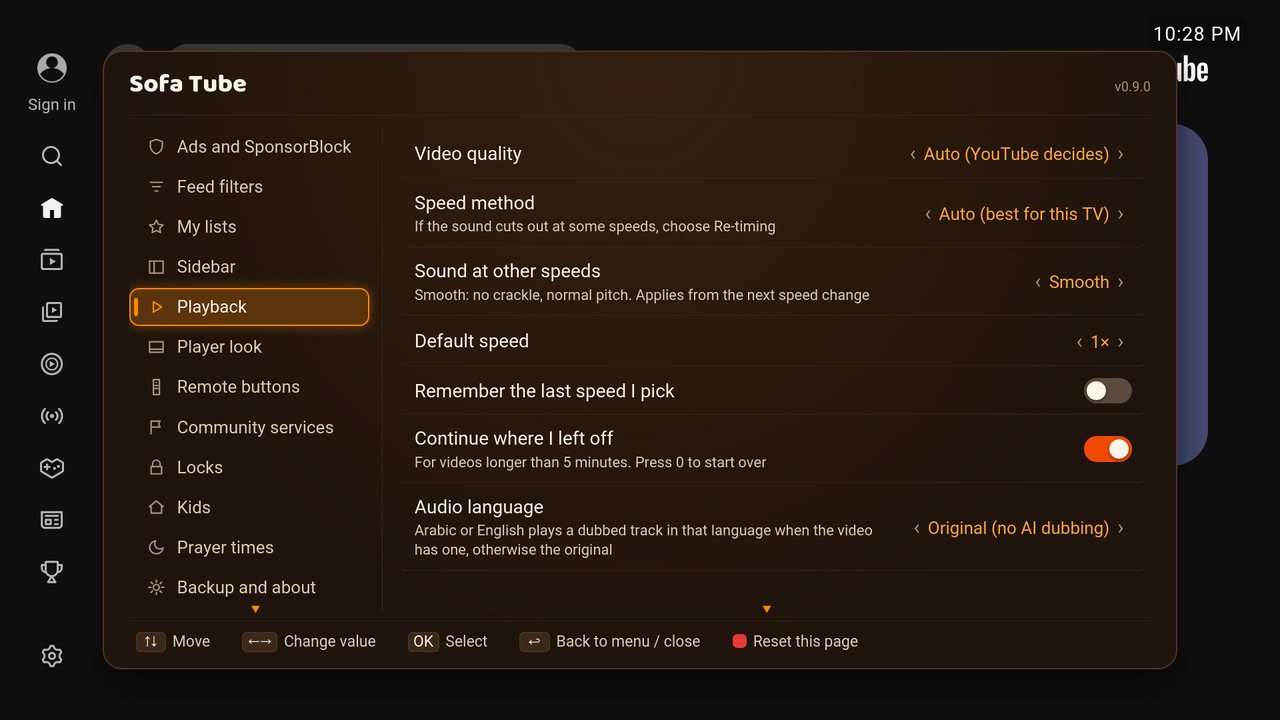
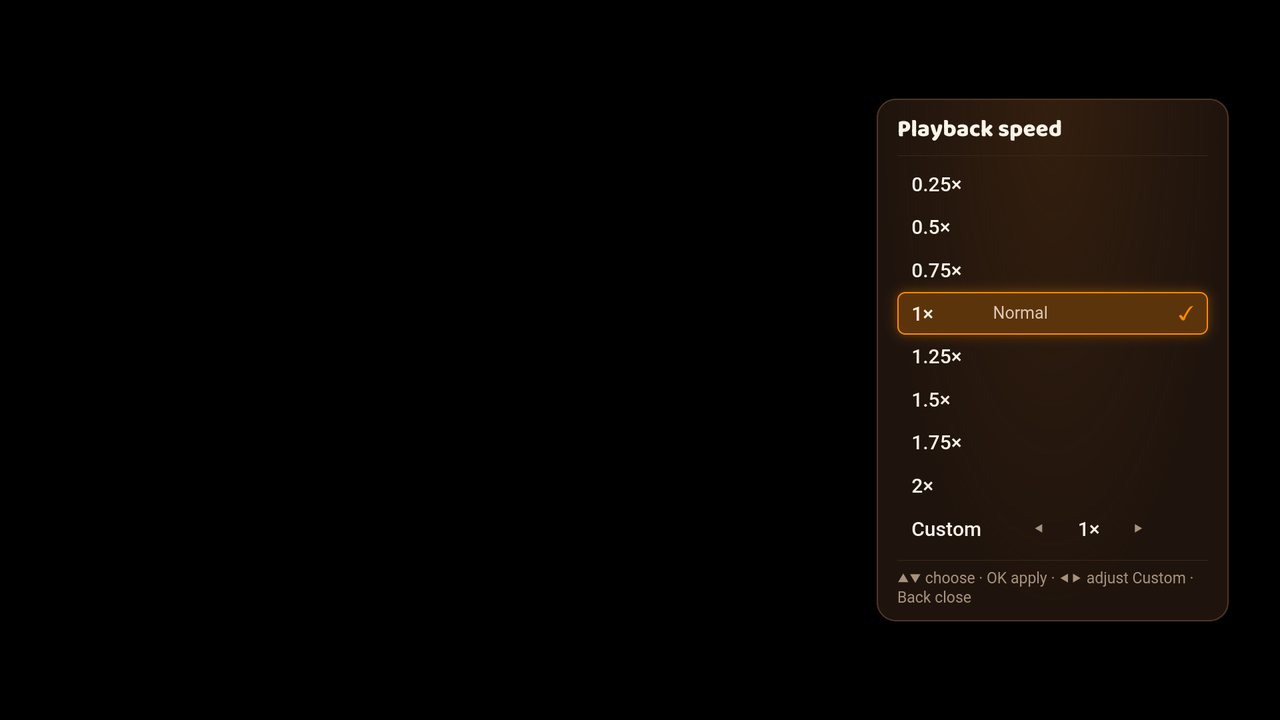
0.25× to 3×, normal pitch. Press Red while watching and pick a speed.
Locks and PIN
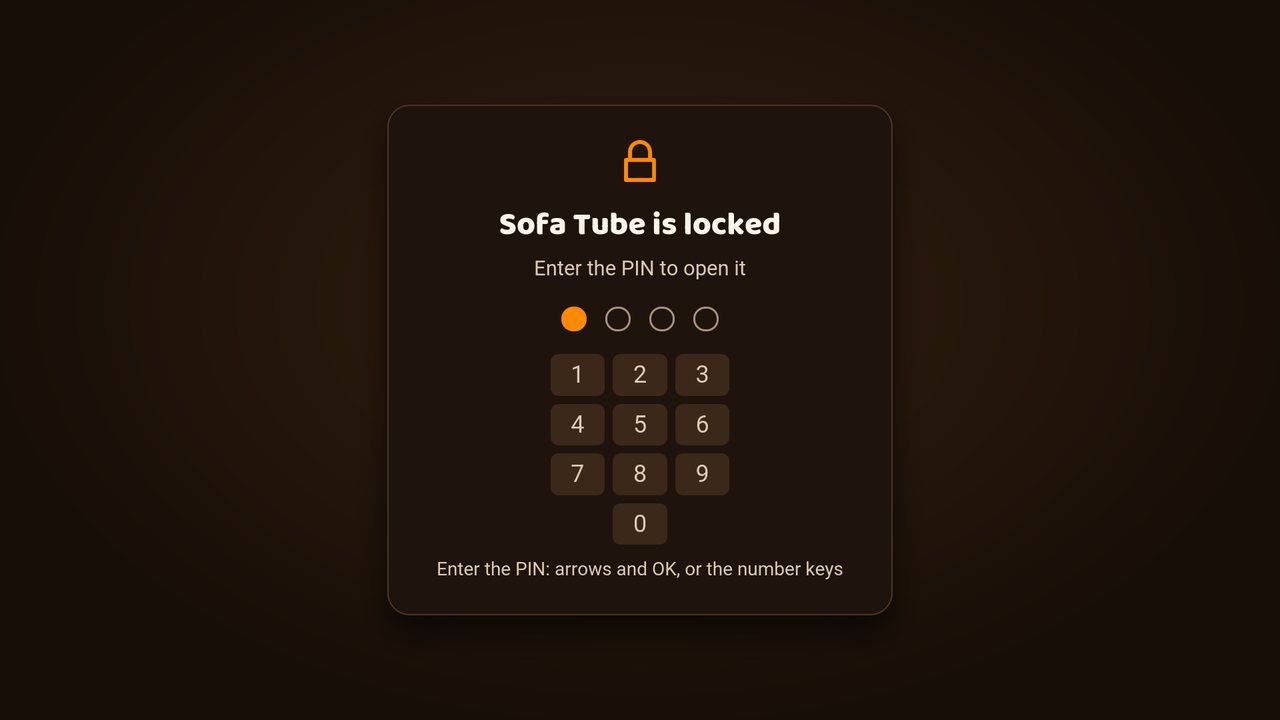
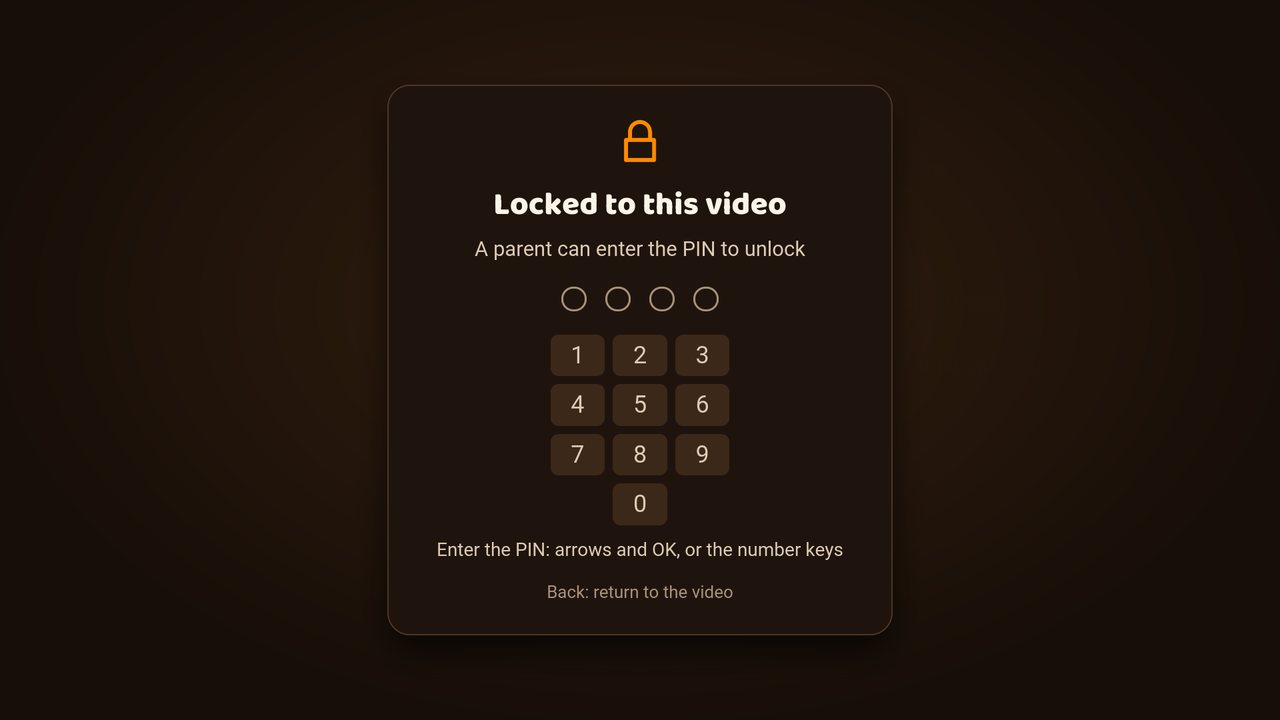
Set a PIN on the Locks page. It protects the settings, the locks and the kids options. Lock the app, or lock to one video.
Kid mode
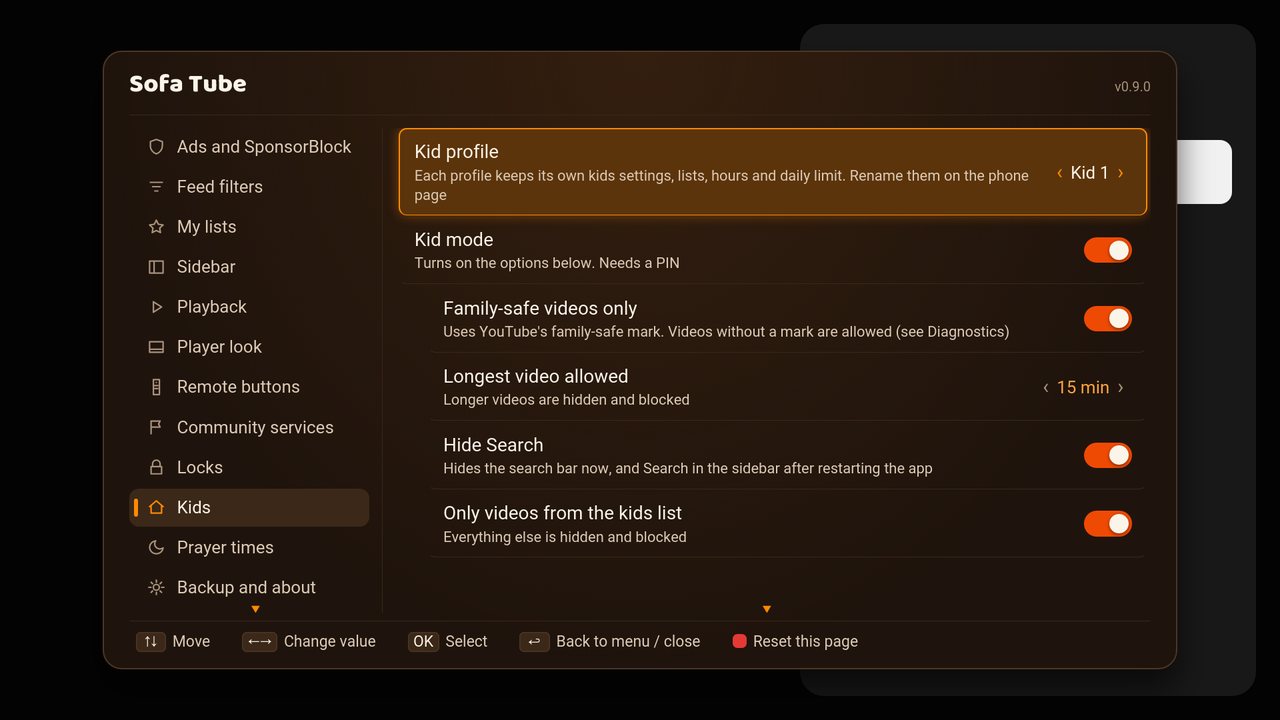
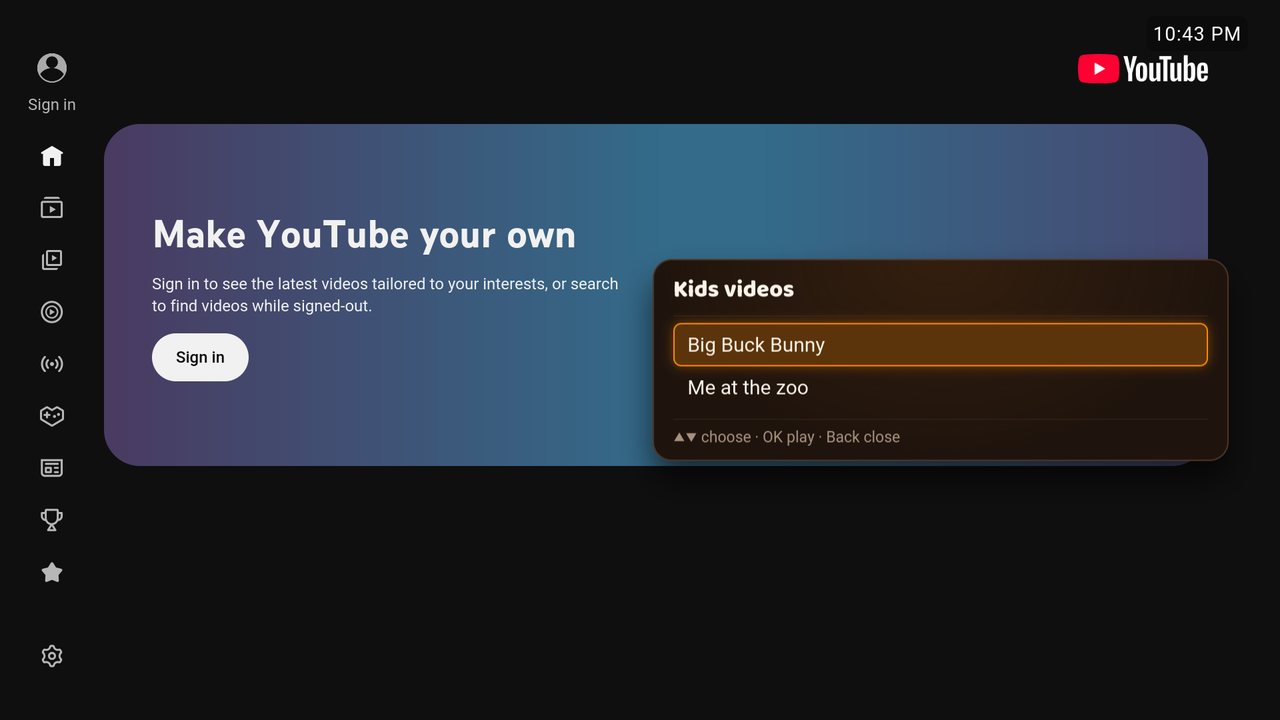
Turn it on, then choose: family-safe only, longest video, hide search, kids list only, allowed hours and break reminder.
Prayer times
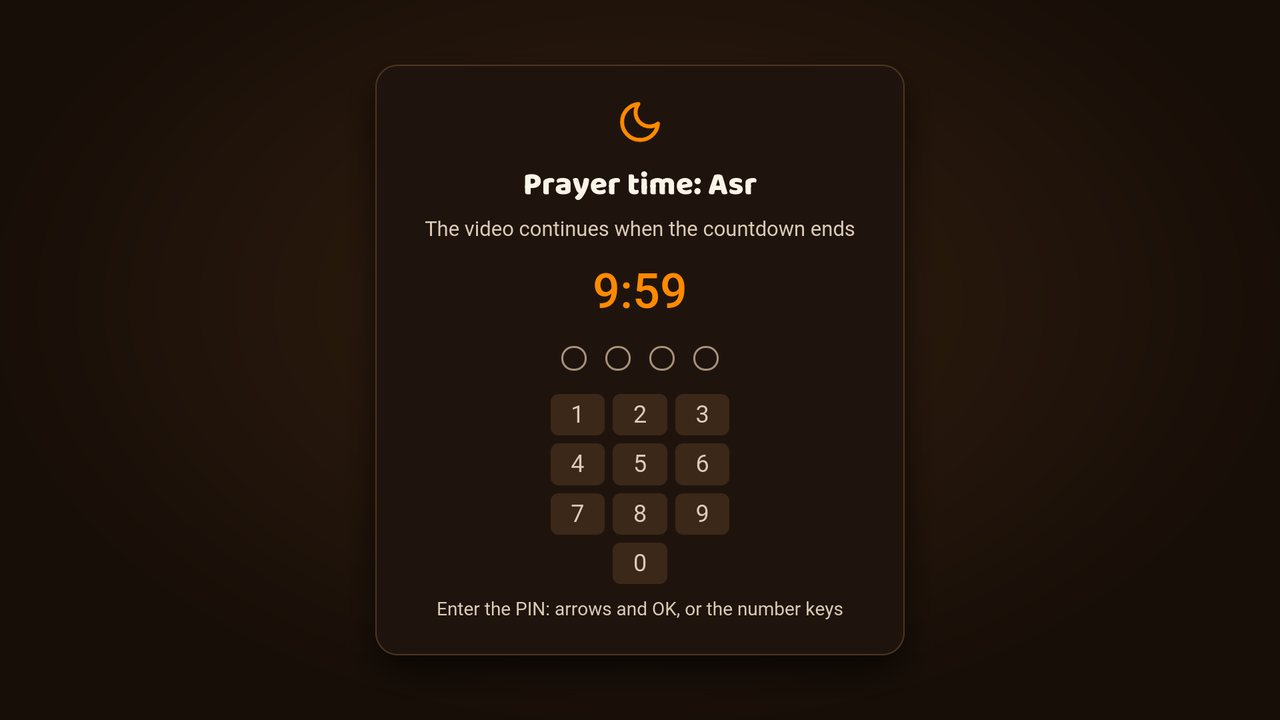
Umm al-Qura, worked out on the TV. Choose a reminder only, or pause the video at the adhan.
Settings from your phone
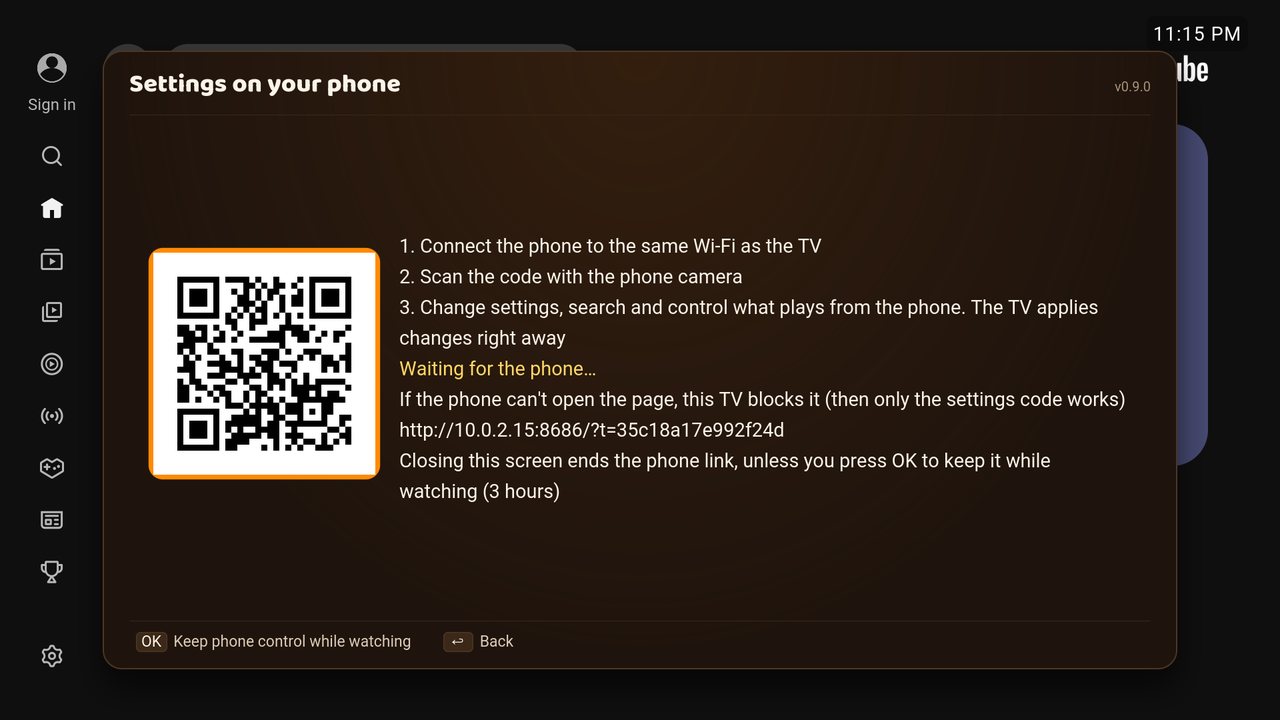
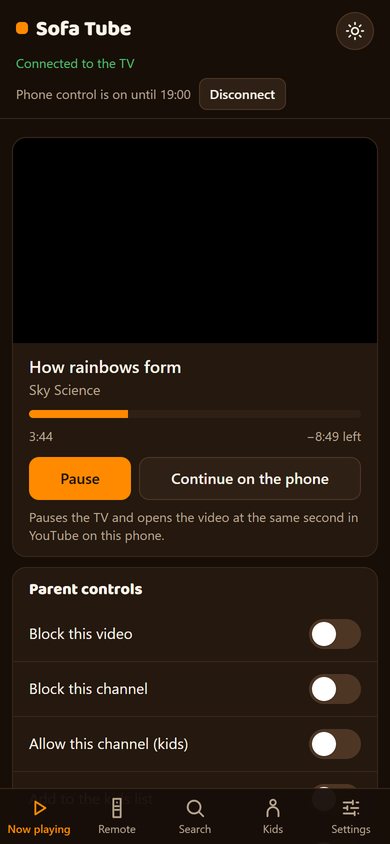
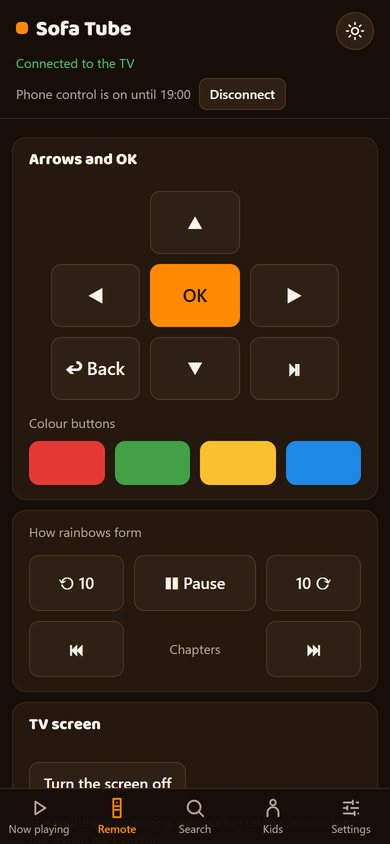
Scan the code with a phone on the same Wi-Fi. The phone can change settings, search, play links, control playback and make backups. The PIN stays on the TV.
My lists
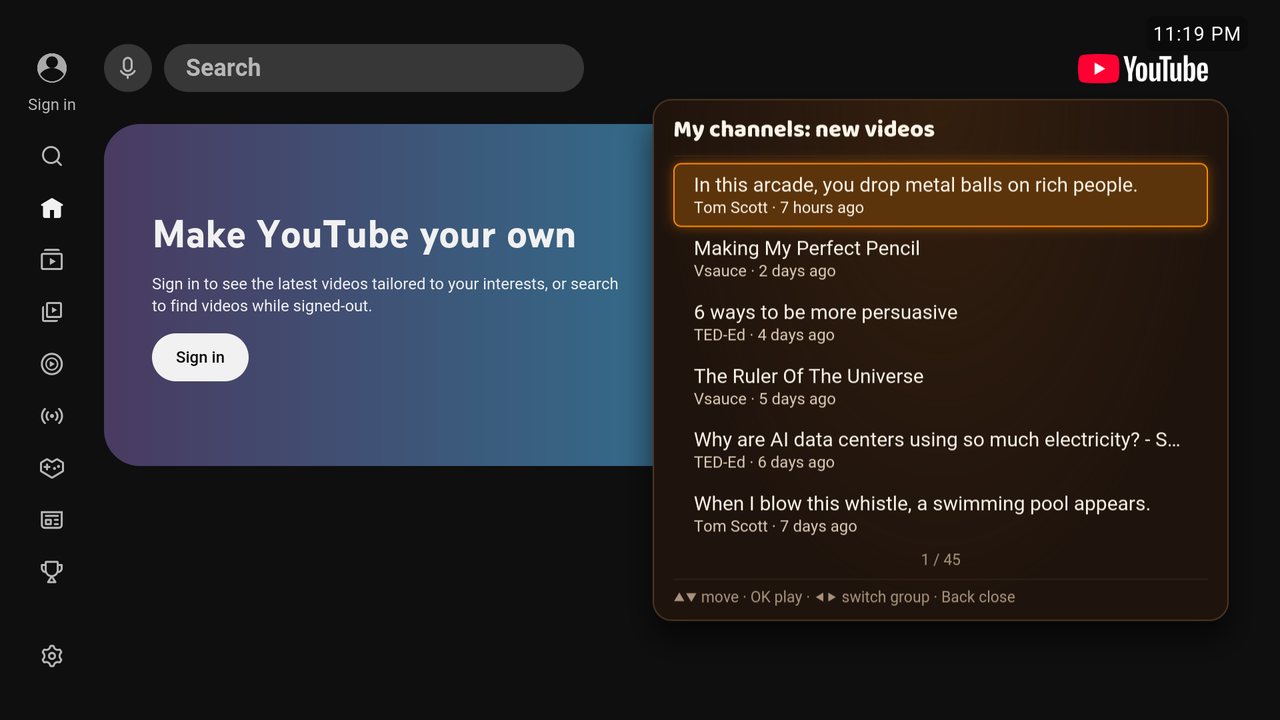
Follow channels without signing in (My channels) and see their new videos. Save videos in Watch later.
Feed filters
Hide Shorts, mixes, live, watched or old videos, blocked words and channels.
Night dim and screen off
Night dim darkens the picture, all the time or between two times. Screen off keeps the sound playing; any button turns it back on.
The ★ Sofa Tube menu
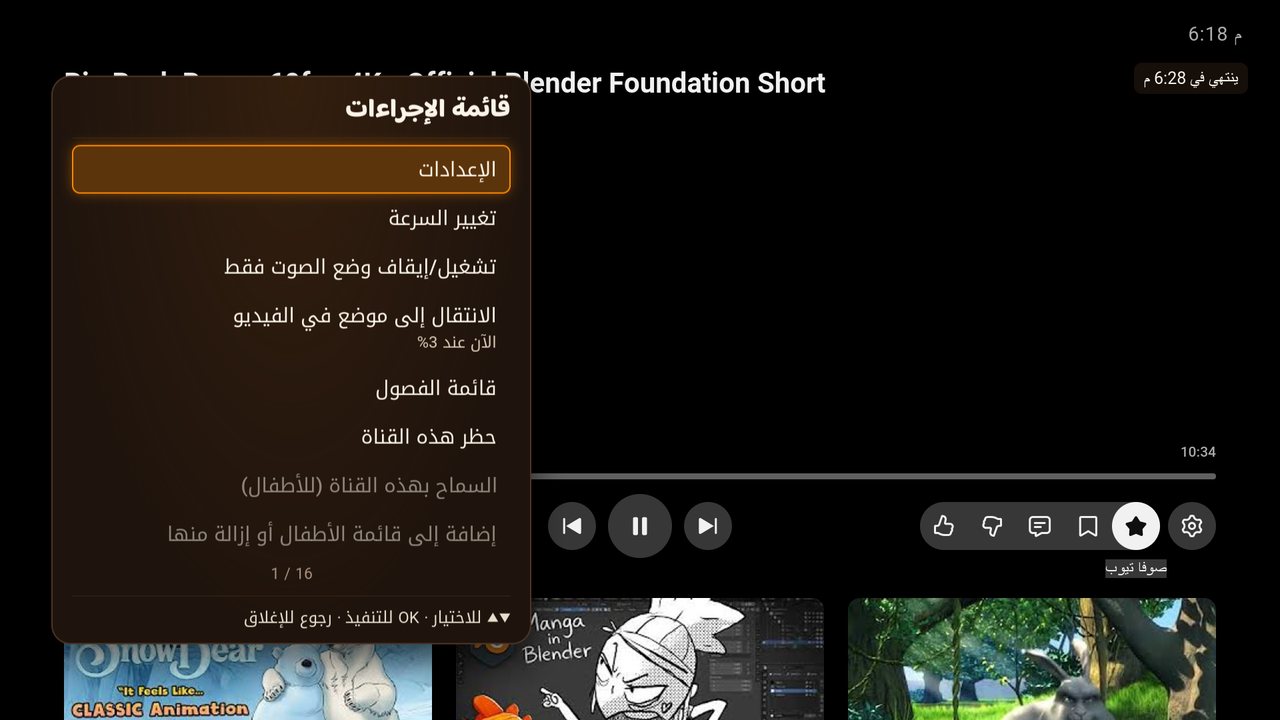
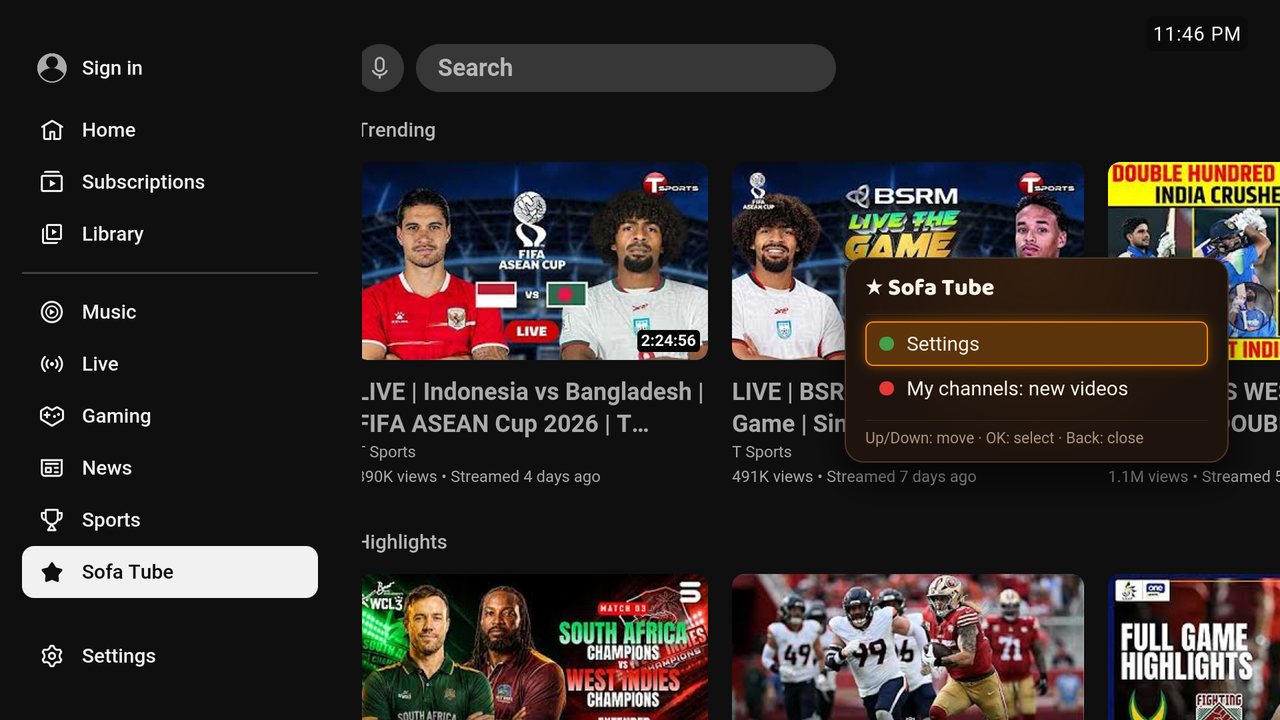
For remotes without colour buttons: ★ Sofa Tube in YouTube's sidebar or the ★ button in the player bar.
Jump and chapters
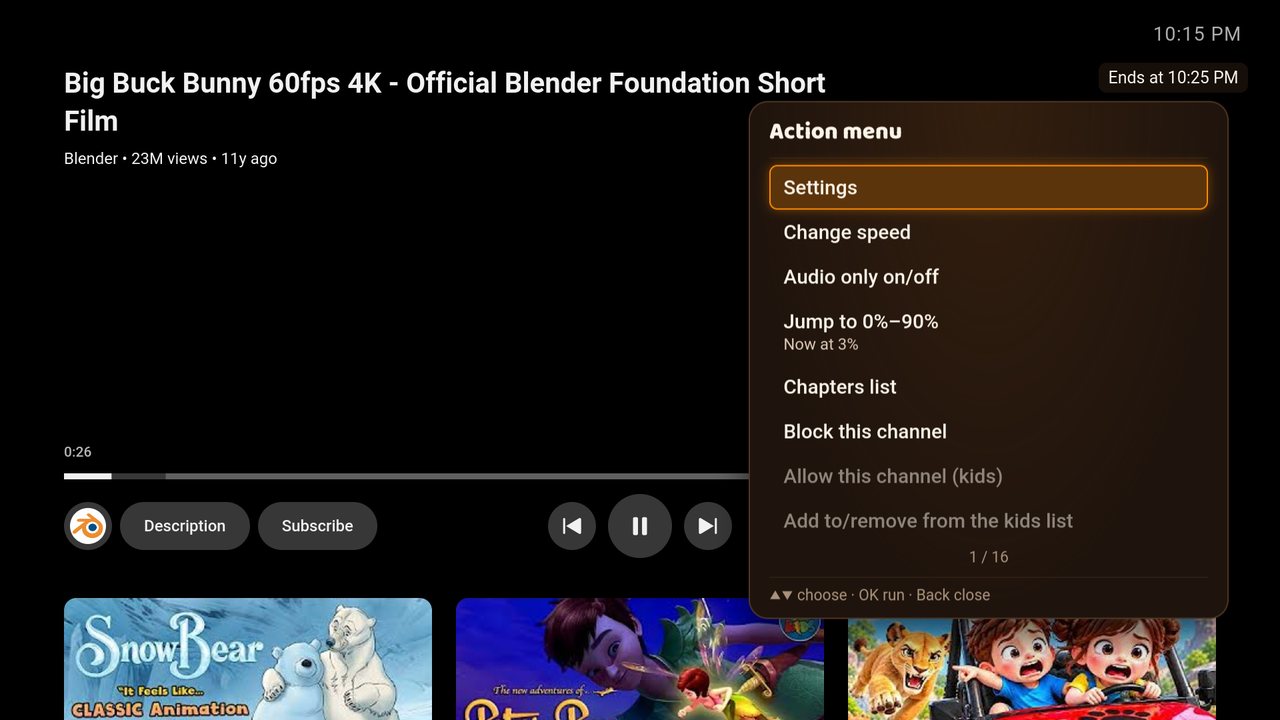
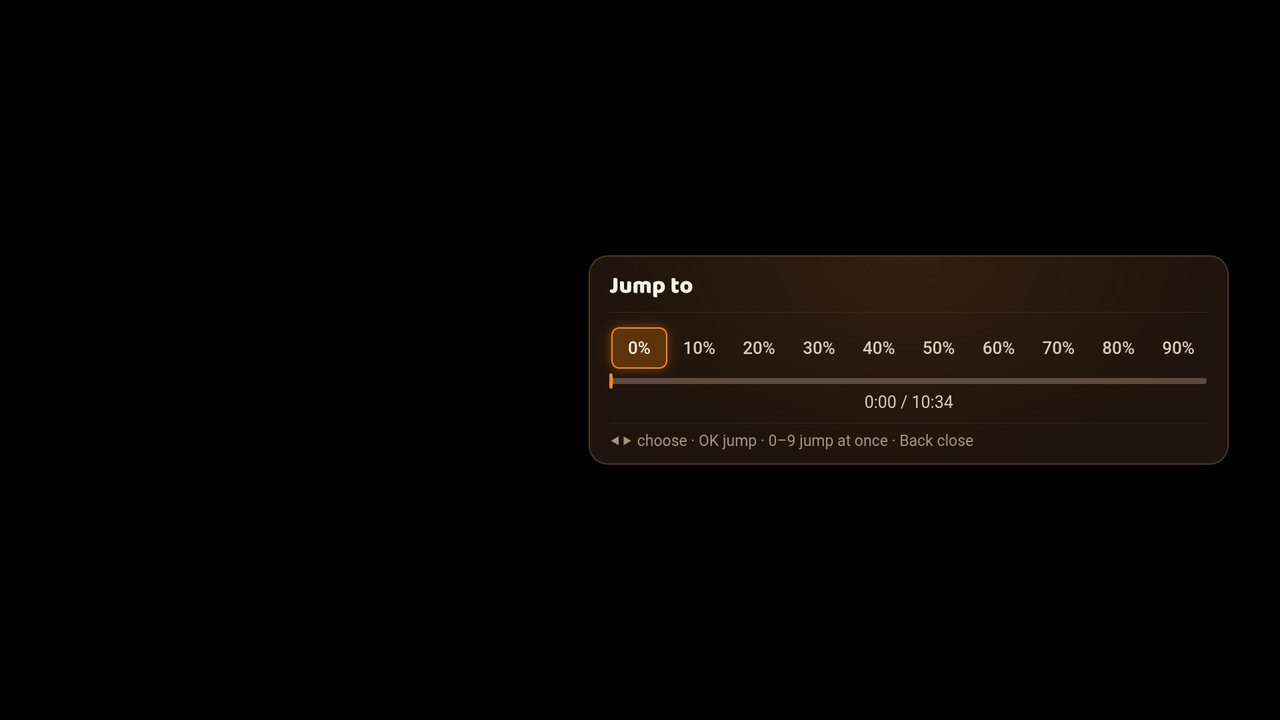
Number keys 1–9 jump to 10%–90%, 0 back to start. CH+ / CH− next or previous chapter.
Learned buttons
Any spare button can run an action: press a button, then choose its action.
Backup
Export shows a code to photograph; Import restores it. The PIN is never included.
English and Arabic
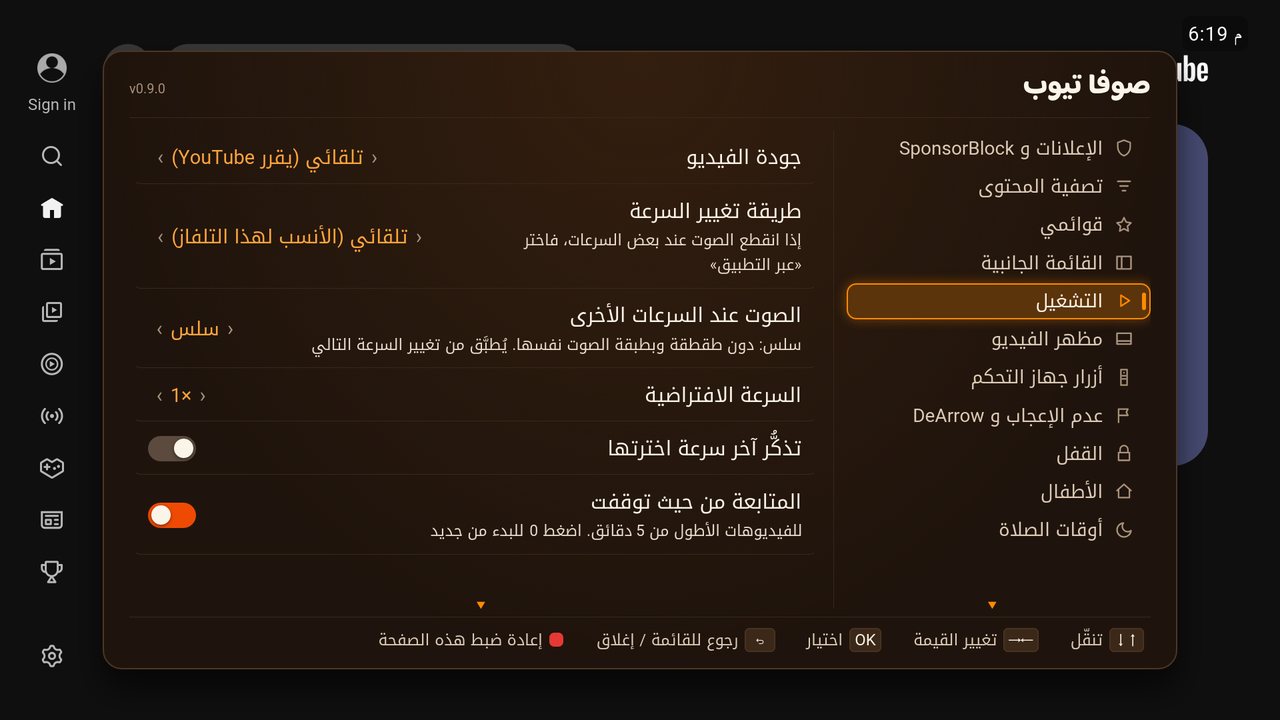
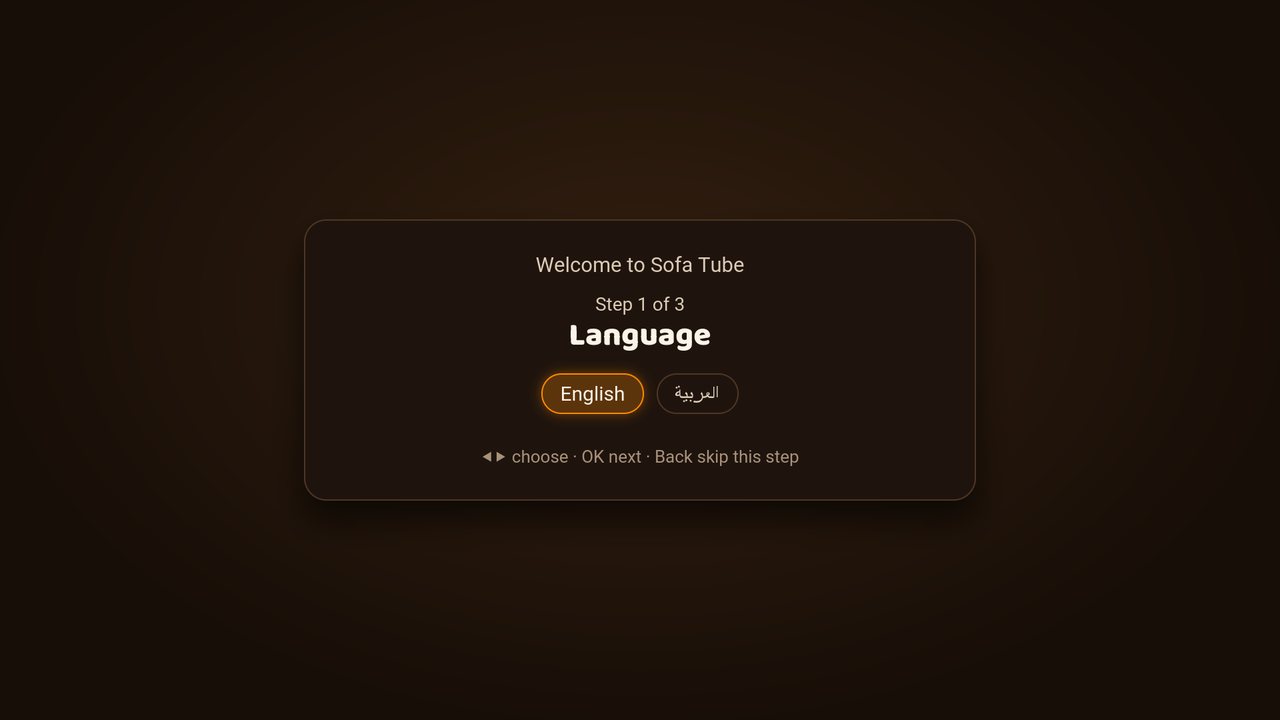
English and Arabic, with Arabic right to left.
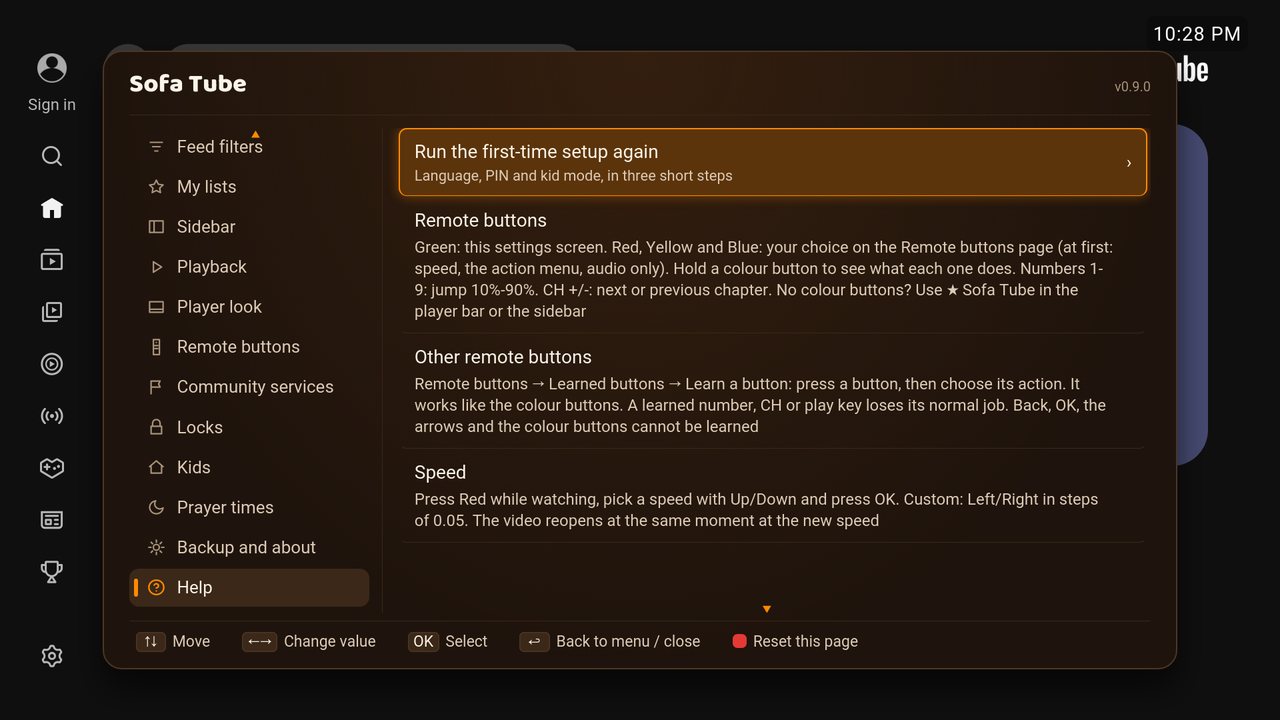
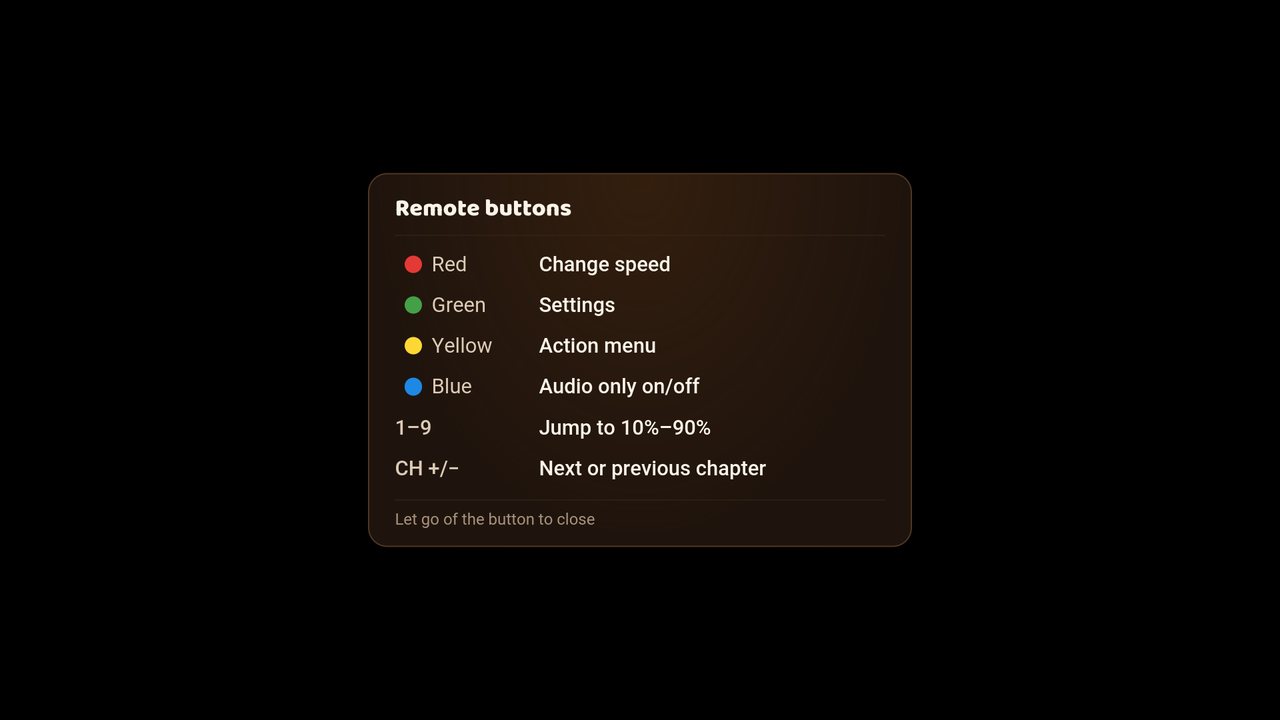
Remote buttons
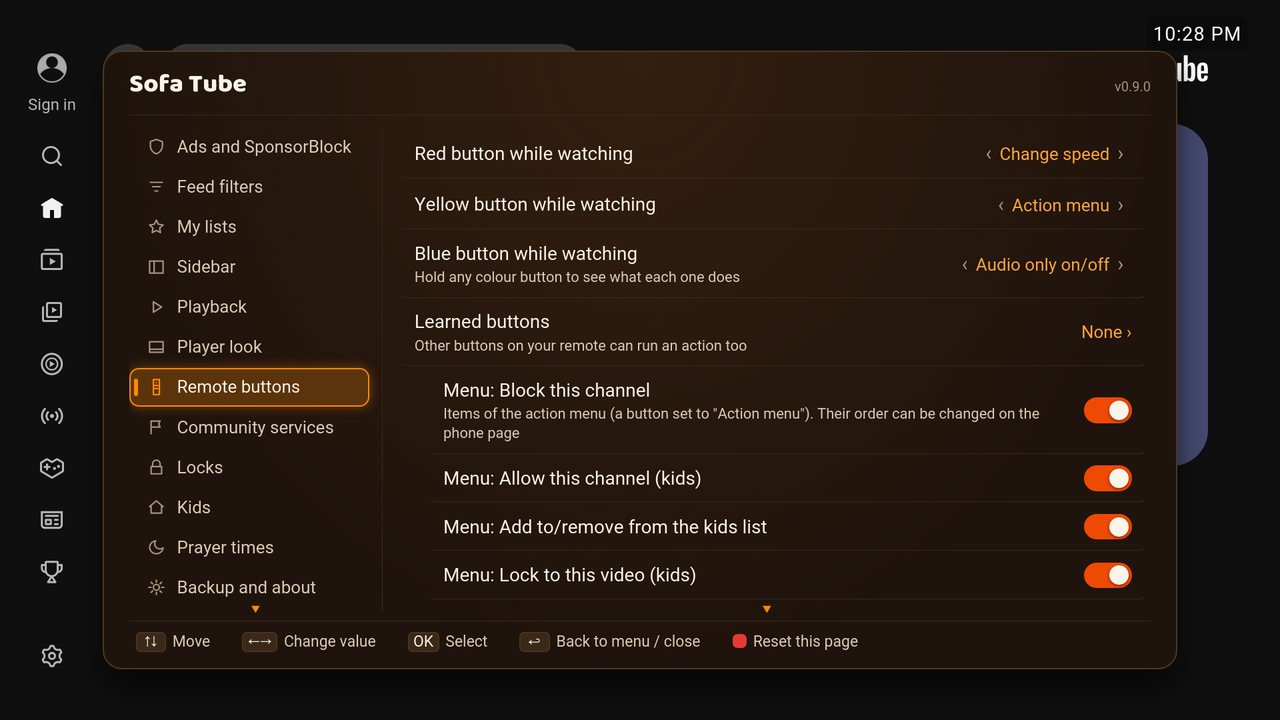
- Green: settings
- Red: speed (while watching)
- Yellow: Action menu
- Blue: audio only
1–9 jump to 10%–90%, 0 back to start · CH+ / CH− next / previous chapter · hold a colour button: what every button does.
No colour buttons? Use ★ Sofa Tube in YouTube's sidebar, the ★ button in the player bar, or Sofa Tube at the top of YouTube's Settings page.
Screenshots
From LG's webOS TV Emulator; the phone page is the same on every TV.